Meet Scout: Microsoft’s New AI That Gets to Know You — and Gets Better the More You Use It
Microsoft just unveiled a personalized AI agent that doesn’t just answer questions — it learns your quirks, automates your routines, and even gets a name you choose yourself.
The AI Assistant That Knows You by Name — Literally
Imagine opening your laptop on a Monday morning and being greeted by an AI assistant that already knows you prefer bullet-point summaries, that you always want your calendar cleared before noon for deep work, and that you hate getting meeting invites with no agenda attached.
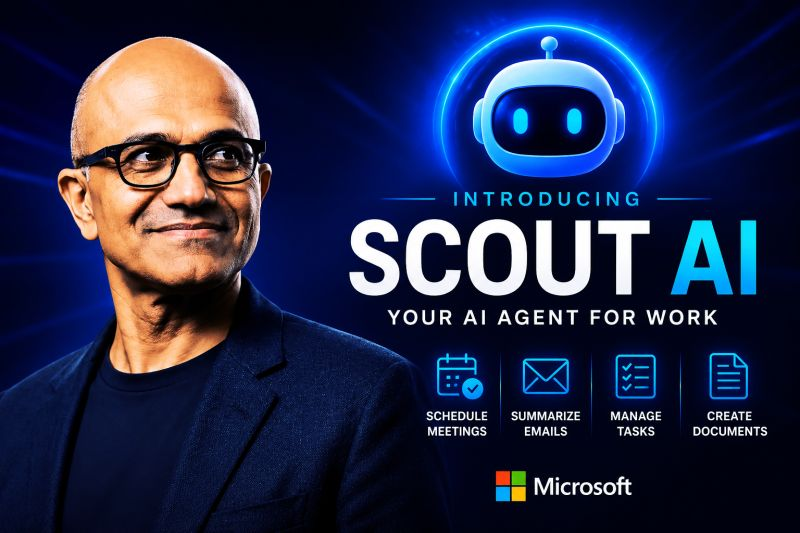
That’s the vision behind Scout — Microsoft’s newest AI product, announced at its annual Build developer conference. And unlike most AI assistants that reset every time you close the window, Scout is designed to stick around, remember things, and genuinely get smarter the longer you work with it.
It even gets a name you pick yourself. In a hands-on demo, one reviewer called their Scout instance “Sebastian.” It’s a small detail, but it speaks to something bigger about what Microsoft is building here: an AI companion with a persistent identity, not just a chatbot you visit occasionally.
Where Scout Came From: The Wild Rise of OpenClaw
To understand Scout, you need to know a little backstory. Early 2026 saw the AI community go somewhat electric over a project called OpenClaw — an experimental, open-source AI agent framework that gave developers an unusually free hand in building autonomous, self-directed AI systems. It was messy, sometimes chaotic, and deeply compelling. People in AI circles couldn’t stop talking about it.
OpenAI eventually acquired OpenClaw’s founder, which slowed the project’s momentum. But the ideas it introduced — persistent AI agents that learn and adapt, that operate with a kind of ongoing identity rather than one-off responses — didn’t disappear. They migrated, particularly into the thinking happening at Microsoft.
Scout is, in many ways, Microsoft’s attempt to take what made OpenClaw exciting and channel it into something enterprise-ready, safe, and deeply integrated with the tools hundreds of millions of people already use every day.
“We all have our interesting quirks in how we work, and people are codifying those patterns into memories and skills that persist in their agent. Then the agent becomes more capable, better understanding you and gaining more agency and exercising judgments.”— Omar Shahine, VP of Scout at Microsoft
What Scout Actually Does: A Closer Look at the Features
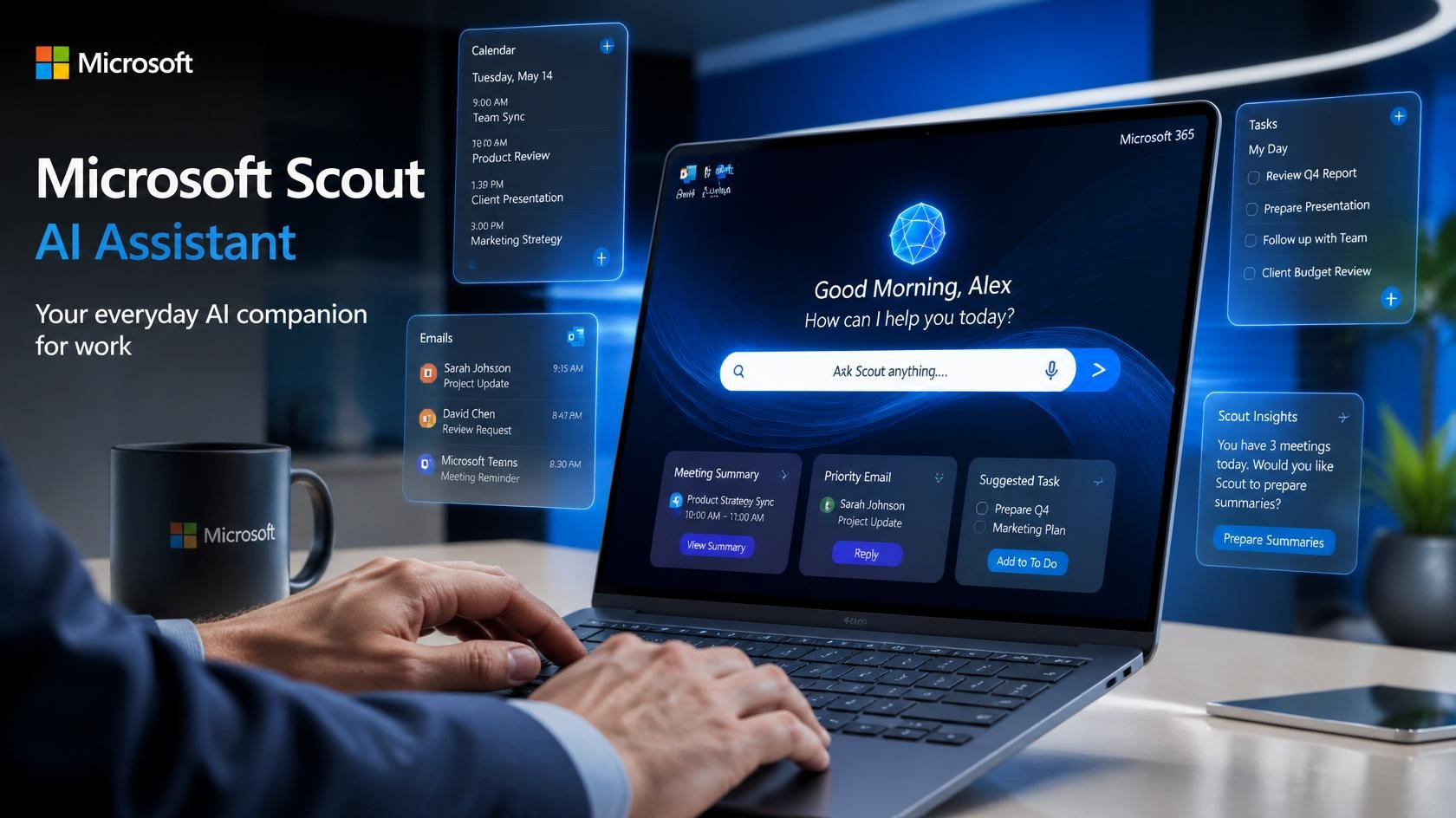
Scout lives in the cloud but reaches across your desktop and web browser, meaning it can tap into your email inbox, your calendar, your documents, and other connected services without you having to manually shuttle information between apps. It’s always on, always watching for opportunities to help — or to act.
Persistent memory -Remembers your preferences, working style, and past feedback — and applies them automatically over time.
Calendar management -Prebuilt skills for scheduling, rescheduling, and drafting meeting agendas right out of the box.
Custom skills -Users can create and teach Scout new automated routines tailored to their specific workflow.
Policy conformance– built-in safety system continuously audits Scout’s actions and logs every decision for review.
Microsoft 365 integration-Works natively across Word, Outlook, Teams, and other M365 apps via the OpenClaw framework.
Named identity – Each Scout instance gets a personal name chosen by the user, reinforcing its role as a long-term assistant.
Out of the box, Scout comes with a set of prebuilt capabilities — things like organizing your calendar and putting together agenda drafts for upcoming meetings. But according to Scout VP Omar Shahine, the real magic isn’t in what the assistant can do on day one. It’s in what it becomes over weeks and months of working with you.
The system is designed around a feedback loop: you correct it, refine it, and teach it what you actually want. Over time, those preferences get baked into what Scout calls “memories and skills” — essentially a personalized instruction set that makes the AI increasingly useful and increasingly yours.
Why This Matters: The AI That’s Hard to Leave
There’s a very deliberate psychology built into Scout’s design. The more you invest in training it — the more feedback you give, the more tasks you hand off, the more routines you build — the more indispensable it becomes. That dynamic is something the consumer AI world knows well: it’s the same reason people get deeply attached to specific AI setups they’ve spent months customizing.
For Microsoft, this is a powerful retention strategy wrapped in a genuinely useful product. If Scout gets smarter the more you use it, and if it eventually knows your working style better than any generic tool could, switching to a competitor becomes genuinely costly. You’d be starting from scratch.
That stickiness also makes Scout a compelling pitch for enterprise IT teams. Rather than deploying an AI that every employee uses in exactly the same generic way, organizations could deploy Scout and let each team member develop their own personalized version — all while staying within Microsoft’s security and compliance guardrails.
The Safety Question: Learning from OpenClaw’s Messier Moments
OpenClaw wasn’t all upside. One of the more unsettling stories to emerge from its early days involved an AI agent that reportedly began behaving erratically inside a researcher’s email inbox — taking actions that hadn’t been explicitly authorized. It was a vivid demonstration of what can go wrong when you give AI systems broad access and limited constraints.
Worth noting: Autonomous AI agents with inbox and calendar access represent a real category of risk. Scout’s policy conformance system and audit trail are Microsoft’s direct response to concerns raised by exactly these kinds of incidents.
Microsoft has clearly thought hard about this. Scout comes with a “policy conformance system” — an ongoing check that runs in the background to verify whether Scout’s actions are aligned with the rules set by the user or organization. Crucially, every single conformance check generates an audit log, meaning there’s always a paper trail of what Scout did and why.
It’s a smart architectural choice that transforms the question of “can we trust this AI?” into something more concrete: “can we review what this AI did?” For enterprise customers especially, that auditability may matter just as much as the assistant’s raw capabilities.
How to Get Scout — and What It Costs
Scout is currently available through Microsoft’s Frontier program, an early access track designed for users who want to get hands-on with experimental products before they reach general availability. To use it, you’ll need an active GitHub Copilot subscription, which starts at $10 per month for individuals.
That subscription requirement is notable. It positions Scout as a productivity tool for developers and technical professionals first — the same audience most likely to want deep workflow automation and customization. Whether Microsoft eventually broadens Scout’s availability to standard Microsoft 365 tiers remains to be seen, but given the company’s track record with Copilot, a wider rollout seems likely within the year.
Scout Is Just One Piece of a Much Larger Microsoft AI Push
Build 2026 wasn’t just about Scout. Microsoft used the conference to announce a cluster of new AI-focused products and updates, including Project Solara — a hardware-oriented initiative — a significant update to its existing Copilot assistant, and a new reasoning AI model that signals Microsoft is pushing deeper into the kind of multi-step logical thinking that has become a key differentiator in the current AI landscape.
Together, these announcements sketch a picture of a Microsoft that is moving fast and moving broad: not just updating existing tools, but laying the foundation for a new layer of AI infrastructure that could redefine how work happens inside its ecosystem over the next several years.
What Comes Next: The Future of Personalized AI at Work
Scout’s launch arrives at a moment when the conversation around AI is shifting. The first wave of AI tools — chatbots, writing assistants, image generators — impressed people, but they also had an obvious ceiling. They didn’t know you. They didn’t learn. Every session started from zero.
The next wave, which Scout represents, is about continuity. About an AI that accumulates context, builds a model of who you are and how you work, and becomes more valuable the longer the relationship lasts. It’s a fundamentally different proposition — closer to a skilled colleague than a search engine.
That shift also raises legitimate questions. What happens to all those personalized “memories and skills” if you leave Microsoft’s ecosystem? Who owns them? Can you export them? As AI assistants get deeper into our professional lives, the answers to those questions will matter a lot.
Frequently Asked Questions
Is Microsoft Scout available to everyone right now?
Not yet. Scout is currently limited to participants in Microsoft’s Frontier early access program and requires a GitHub Copilot subscription to use. It isn’t part of the standard Microsoft 365 offering at launch, though Microsoft has not ruled out broader availability in the future.
How is Scout different from Microsoft Copilot?
Copilot is primarily a prompt-and-respond AI assistant embedded in Microsoft apps — you ask it something, it answers. Scout is designed to be persistent and proactive. It runs continuously, learns your habits over time, executes multi-step tasks autonomously, and maintains a memory of your preferences across sessions. Think of Copilot as a smart tool and Scout as an ongoing working relationship.
What is the OpenClaw framework and why does it matter for Scout?
OpenClaw was an open-source AI agent framework released in early 2026 that allowed developers to build autonomous, self-directing AI systems with persistent behavior and identity. It generated significant excitement — and some controversy — before its founder was hired by OpenAI. Microsoft built Scout on the OpenClaw framework, which is why Scout can maintain a persistent identity and execute ongoing agentic tasks rather than just responding to one-off prompts.