Whether you’ve heard about ChatGPT from a friend, saw it on the news, or stumbled across it online — you’re in the right place. This guide walks you through everything from scratch, step by step, in plain English. No tech background needed.
- What is ChatGPT?
- How to Create Your Free Account
- How to Start Your First Chat
- What Can You Ask ChatGPT?
- Tips to Get Better Answers
- What ChatGPT Cannot Do
- Frequently Asked Questions
- Conclusion
What is ChatGPT?
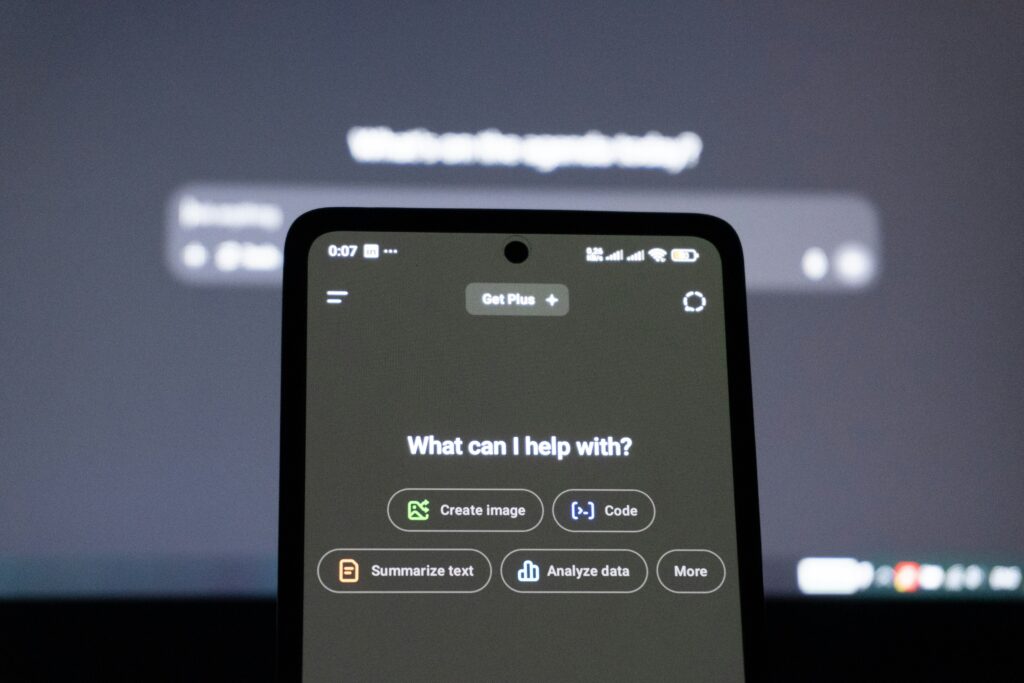
ChatGPT is an AI assistant made by a company called OpenAI. You type a message, and it types back — just like texting a friend, except this “friend” knows a lot about almost everything.
It can help you write emails, explain confusing topics, give you recipe ideas, help with homework, write code, translate languages, summarize long documents, and a whole lot more. The basic version is completely free.
Think of it like having a super-smart helper available 24/7, right from your phone or computer.
Step-by-Step: How to Create Your Free Account
Step 1 — Go to the ChatGPT website
Open any browser (Chrome, Safari, Firefox) and go to chat.openai.com. You’ll see the ChatGPT homepage with a “Get started” button.
Step 2 — Click “Sign Up”
Hit the Sign Up button. You can register using your email address, or log in quickly using a Google or Apple account — whichever is easiest for you.
Step 3 — Verify your email
If you sign up with an email, OpenAI will send you a confirmation link. Open that email and click the link to verify your account.
Step 4 — Complete your profile
Enter your name and date of birth when prompted. You must be at least 13 years old to use ChatGPT.
Step 5 — You’re in!
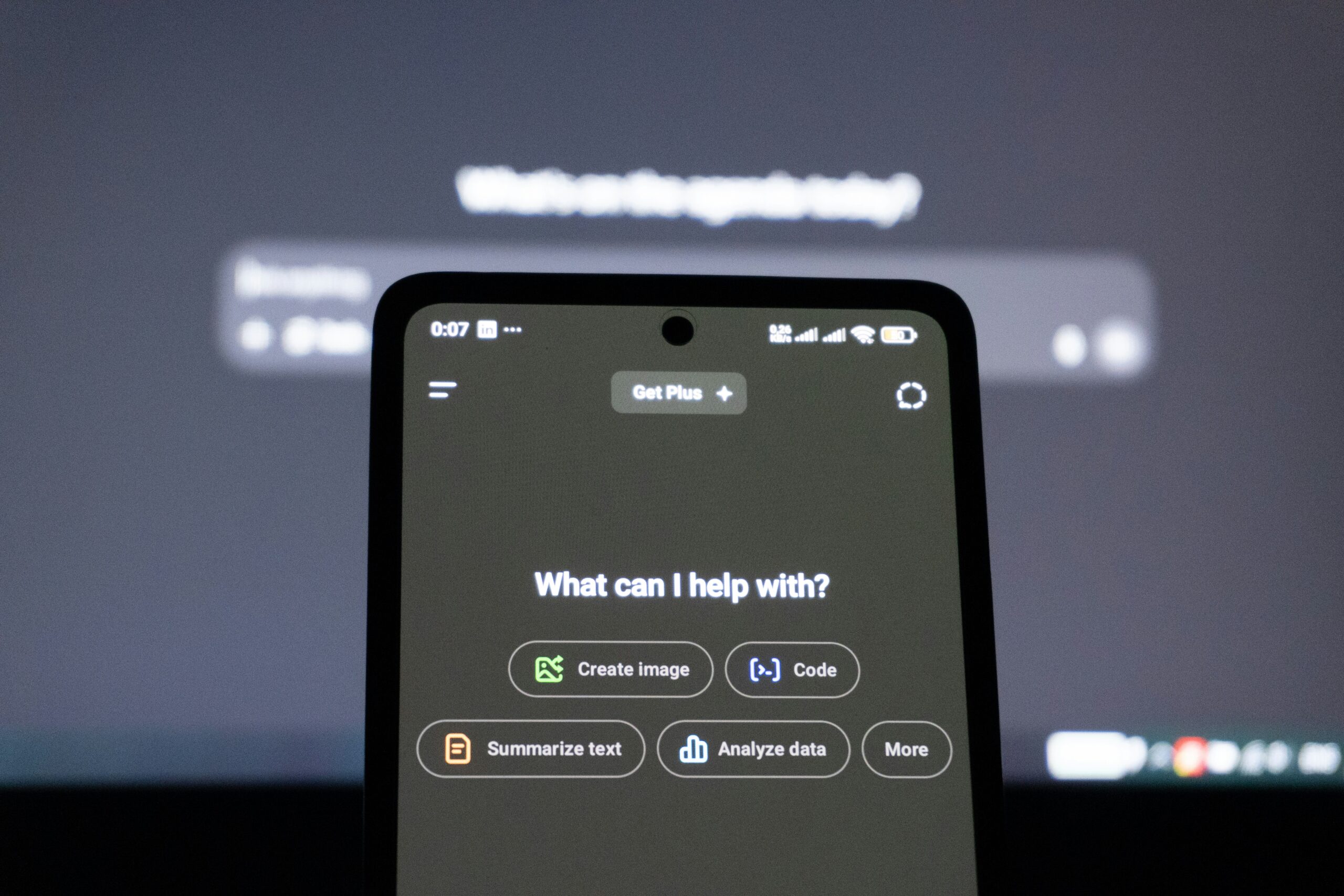
Once you’re set up, you’ll land on the ChatGPT chat screen. There’s a text box at the bottom — that’s where the magic happens.
How to Start Your First Chat
Starting a conversation is as simple as typing into the box at the bottom of the screen and pressing Enter (or the send button).
Here’s an example of a first message you might try:
“Hi! I’m new here. Can you explain what you can help me with?”
ChatGPT will respond instantly with a friendly overview of its abilities. From there, you can just keep the conversation going — ask follow-up questions, request changes, or start a completely new topic.
How to start a new conversation
On the left sidebar, click “New Chat”. This starts fresh — ChatGPT won’t remember what you discussed before, so think of each chat as a new, clean session.
What Can You Ask ChatGPT?
Honestly? Almost anything. Here are some of the most popular things people use it for every day:
| Use Case | Example Prompt to Try |
|---|---|
| Writing help | “Write a polite email to my landlord asking to fix the heater.” |
| Learning something new | “Explain how the stock market works like I’m 15.” |
| Recipes | “Give me a quick dinner recipe using chicken and potatoes.” |
| Summarizing text | “Summarize this article in 5 bullet points: [paste text]” |
| Translation | “Translate ‘Good morning, how are you?’ into Spanish.” |
| Planning | “Create a 7-day beginner workout plan for weight loss.” |
| Creative writing | “Write a short birthday poem for my best friend named Sarah.” |
| Coding help | “Write a simple Python code to calculate someone’s age.” |
Tips to Get Better Answers
The quality of ChatGPT’s answer depends a lot on how you ask. Here are the most useful tricks beginners should know:
Be specific
Instead of “write an email,” say “write a professional email to a client apologizing for a late delivery.”
Ask for changes
Not happy with the answer? Just say “make it shorter,” “use simpler words,” or “give me another version.”
Use the “Act As” trick
“Act as a nutritionist and give me a meal plan for weight loss” gives more focused, useful answers.
Request a format
Tell it how you want the answer: “Give me this as a numbered list” or “format it as a table.”
Add context
“I’m a beginner,” or “I have no coding experience” helps ChatGPT pitch its answer at the right level.
Keep the conversation going
You can build on previous answers. Say “now expand on point 3” or “can you add a conclusion to this?”
What ChatGPT Cannot Do
It’s important to know the limits so you’re not caught off guard.
Important: ChatGPT sometimes gets facts wrong. Always double-check important information from a trusted source, especially for health, legal, or financial decisions.
No real-time internet access (free version) — It can’t check today’s news, live sports scores, or stock prices unless you’re using a version with web search enabled.
No memory between chats — Each new conversation starts from zero. It won’t remember you said you were a nurse last Tuesday.
It can make mistakes — ChatGPT is not always right. It can sometimes “hallucinate” — meaning it makes up facts that sound very convincing but aren’t true.
Can’t take actions for you — It can’t book flights, send emails, or make purchases. It can only write text.
Frequently Asked Questions
1.Is ChatGPT really free? Yes! The basic version (GPT-3.5) is completely free. There’s also a paid plan called ChatGPT Plus for about $20/month that gives you access to the latest GPT-4 model, faster responses, and additional features like image generation.
2.Do I need to download anything? Nope. ChatGPT works right in your browser at chat.openai.com. There’s also a free official mobile app for both iPhone and Android if you prefer using it on your phone.
3.Is my information safe with ChatGPT? ChatGPT is generally safe to use, but you should never share sensitive personal information like passwords, social security numbers, or bank details. OpenAI may use your conversations to improve their AI, so treat it like any other online platform.
4.Can ChatGPT speak other languages? Yes! ChatGPT supports dozens of languages including Spanish, French, Hindi, Arabic, Japanese, and many more. You can type to it in your preferred language and it will usually respond in the same language.
5.Can students use ChatGPT for studying? Absolutely — it’s a fantastic study tool. You can ask it to explain concepts, quiz you on topics, or help you understand something you’re stuck on. That said, submitting its work as your own in school is considered academic dishonesty, so use it as a learning aid, not a shortcut.
6.What’s the difference between ChatGPT and Google? Google is a search engine — it finds and links you to websites. ChatGPT is a conversational AI — it gives you a direct, written answer. Google is better for finding specific websites or very recent news. ChatGPT is better for getting explanations, writing help, or having a back-and-forth conversation.
7.Why does ChatGPT sometimes give wrong answers? ChatGPT is trained on a huge amount of text data, but it’s not perfect. It can confidently state incorrect information — a problem AI researchers call “hallucination.” Always verify critical facts from reliable sources, especially anything related to medicine, law, or finance.
8.Can I use ChatGPT on my phone? Yes! Download the official ChatGPT app from the App Store (iPhone) or Google Play Store (Android). It’s free and works just like the website. There’s even a voice mode so you can speak to it and hear it talk back.
Conclusion
ChatGPT is one of the most useful tools available today — and the best part is you don’t need any technical knowledge to use it. Start simple: ask it one question, see how it responds, and keep exploring from there.
Whether you’re using it to get help at work, learn something new, or just satisfy your curiosity, ChatGPT is ready to help anytime you need it. Give it a try — you might be surprised how much it changes the way you work and learn.